
Macey’s Anywhere
In-Store Tips
Building a Grocery List
With Macey’s Anywhere you have the ability to create a grocery list and know it will be at the store you plan to shop at. Here are some tips to help you navigate creating a list
1) Select In-Store Shopping
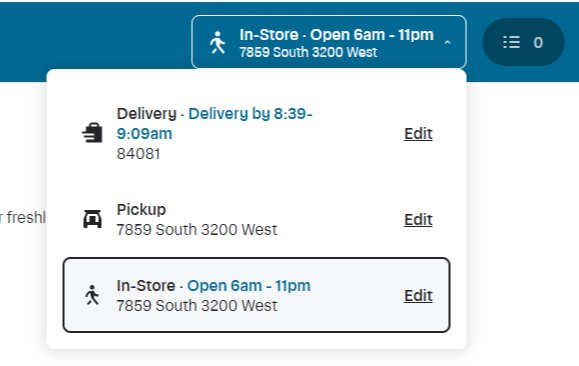
At the top of the website or App you can select: Pick Up, Delivery, or In-Store
Select In-Store to see all of the products that you can purchase in-store.
2) Select the Store you will be Shopping at
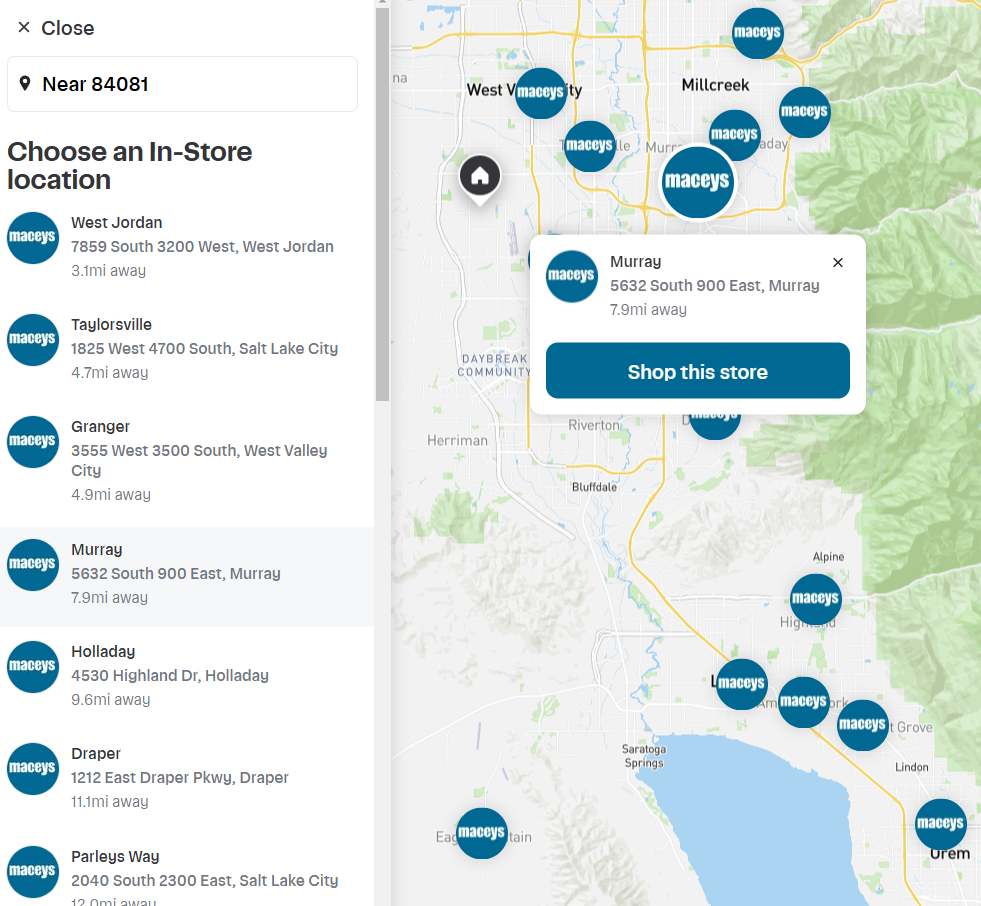
Once, you select In-Store there will be a edit icon. Click EDIT and you will have the opportunity to select which location you want to shop at. Click the location you want to Shop and then click Shop This Store
3) Create an Online Shopping List
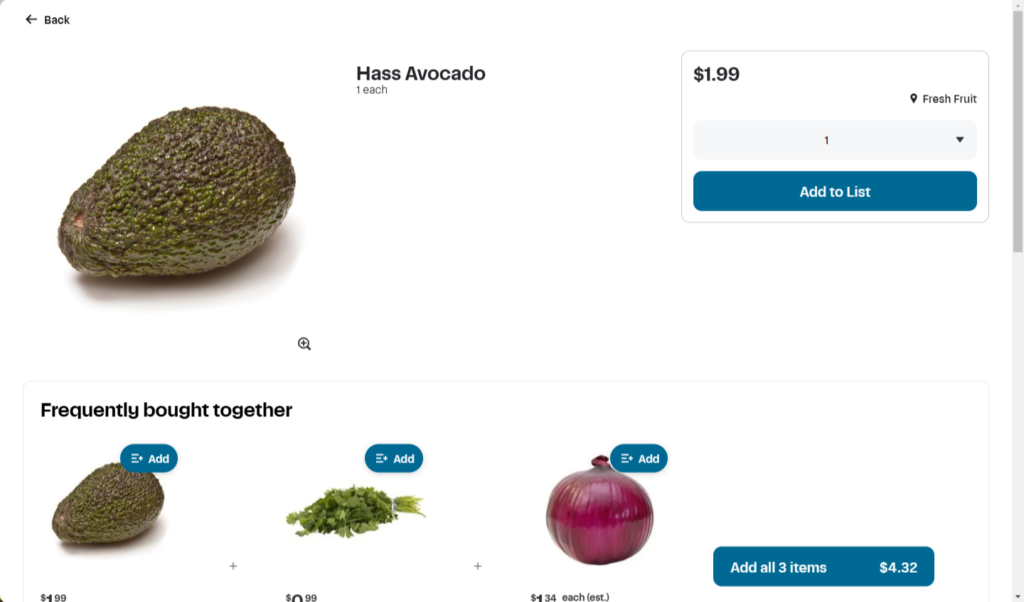
Now that you are shopping your store, you will be able to see all of the products that are in stock at the store you are shopping. Once you find the product you are looking for click on that product to show more details. If that is the product you want to shop in store click Add to List
Once you have your grocery list complied you can view all of your items in the top right corner.

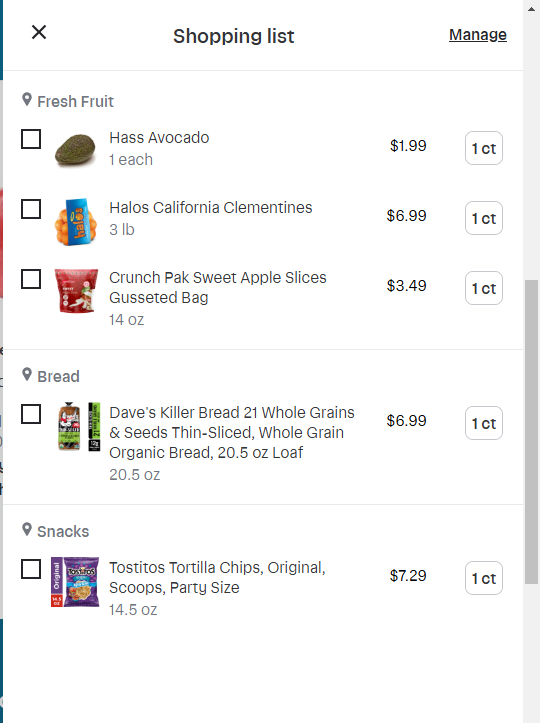
4) View your List In-Store
To get the most out of your list you will want to download our App
-Download the App in the IOS Store
-Download the App in the Google Play Store
-Create an account HERE to view the list you created.
Once logged in you will have access to the list you created online.